
BIMTLY OnSite
Manage construction projects, run inspections, track issues, and document sites — from the field to the dashboard.
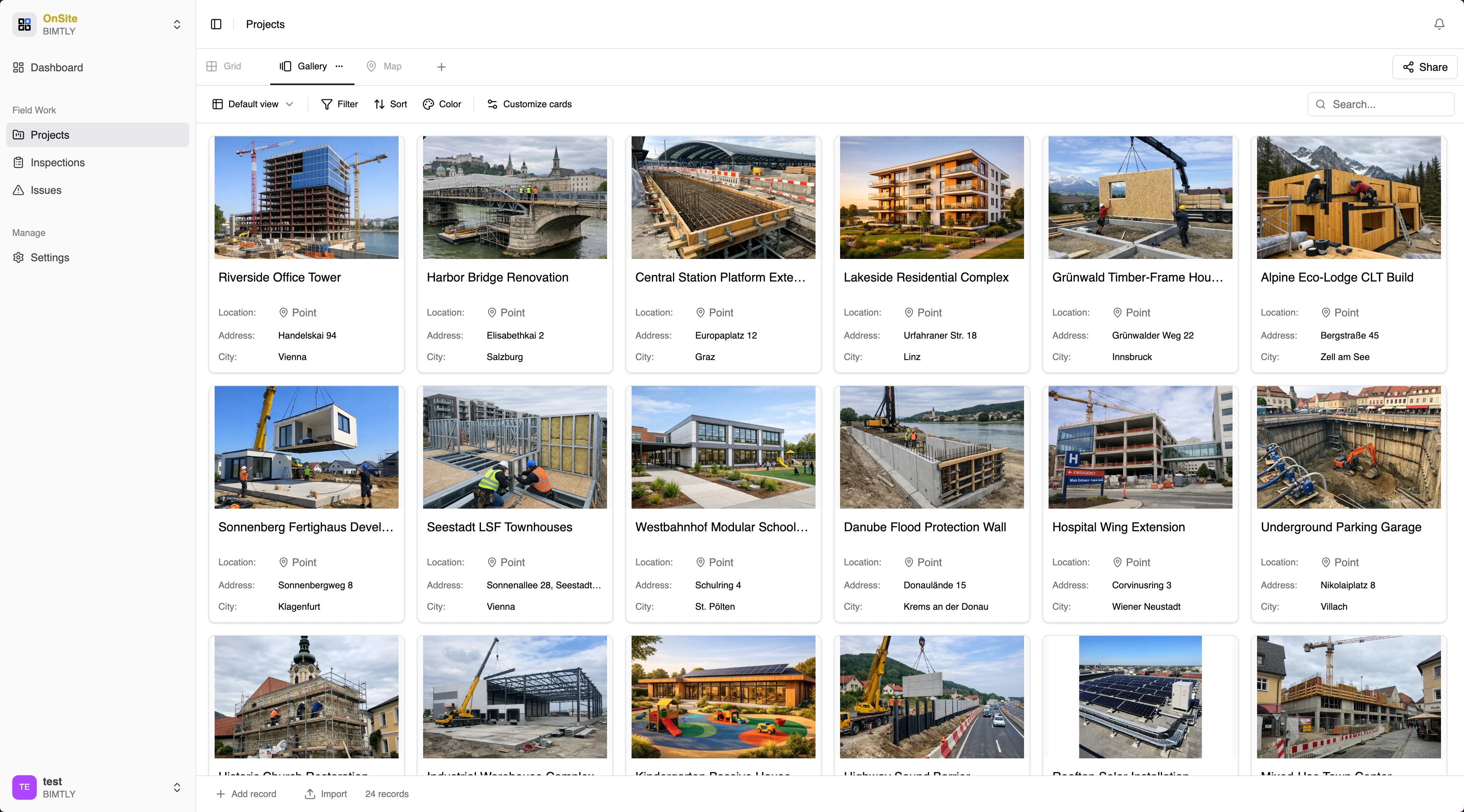
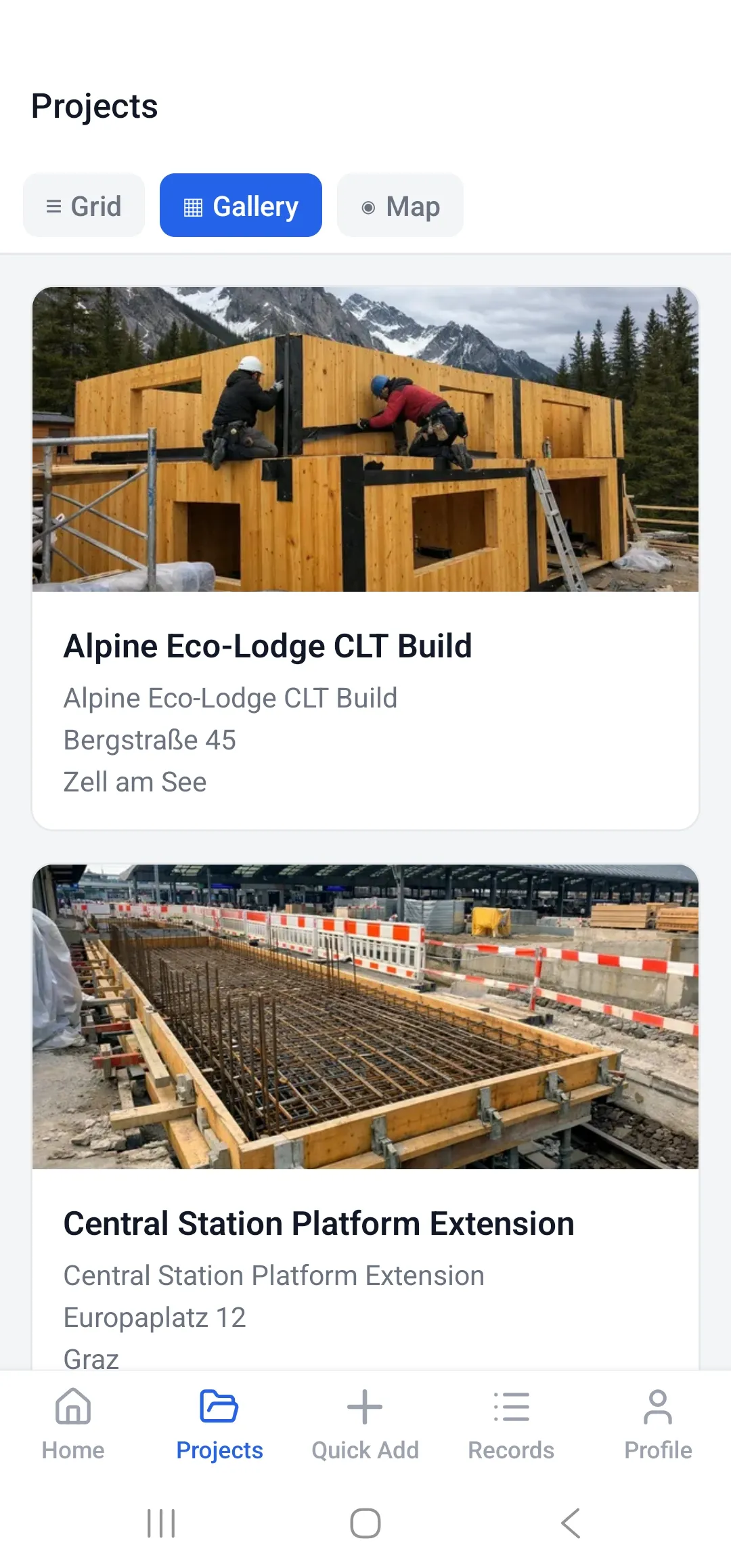
Your whole jobsite. In your back pocket.
Every project, every inspection, every issue — one thumb-reach dashboard. Site managers know the score the moment they swipe.
- Live counts across all projects
- Priority-ranked issues at a glance
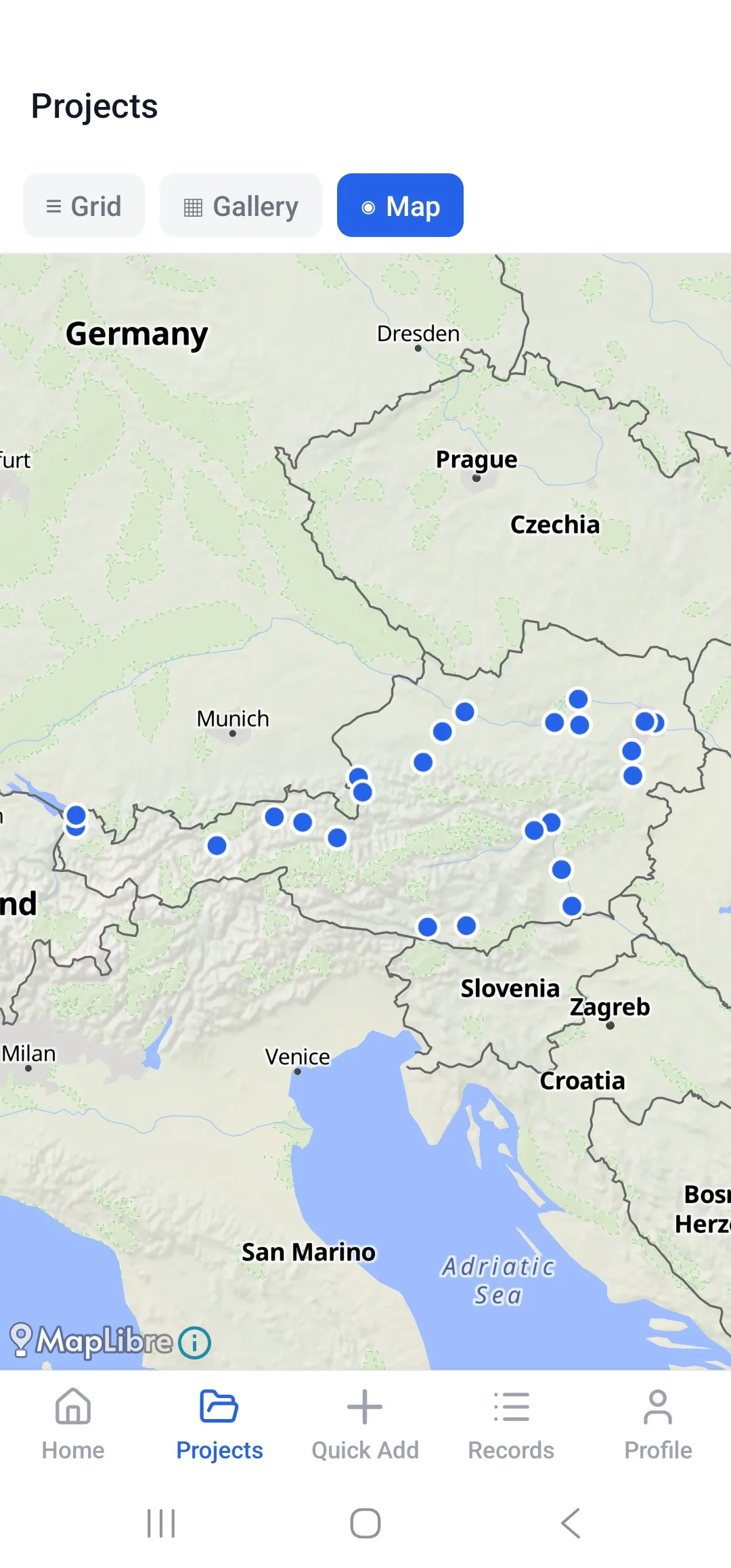
- Switch between Grid, Gallery, and Map views
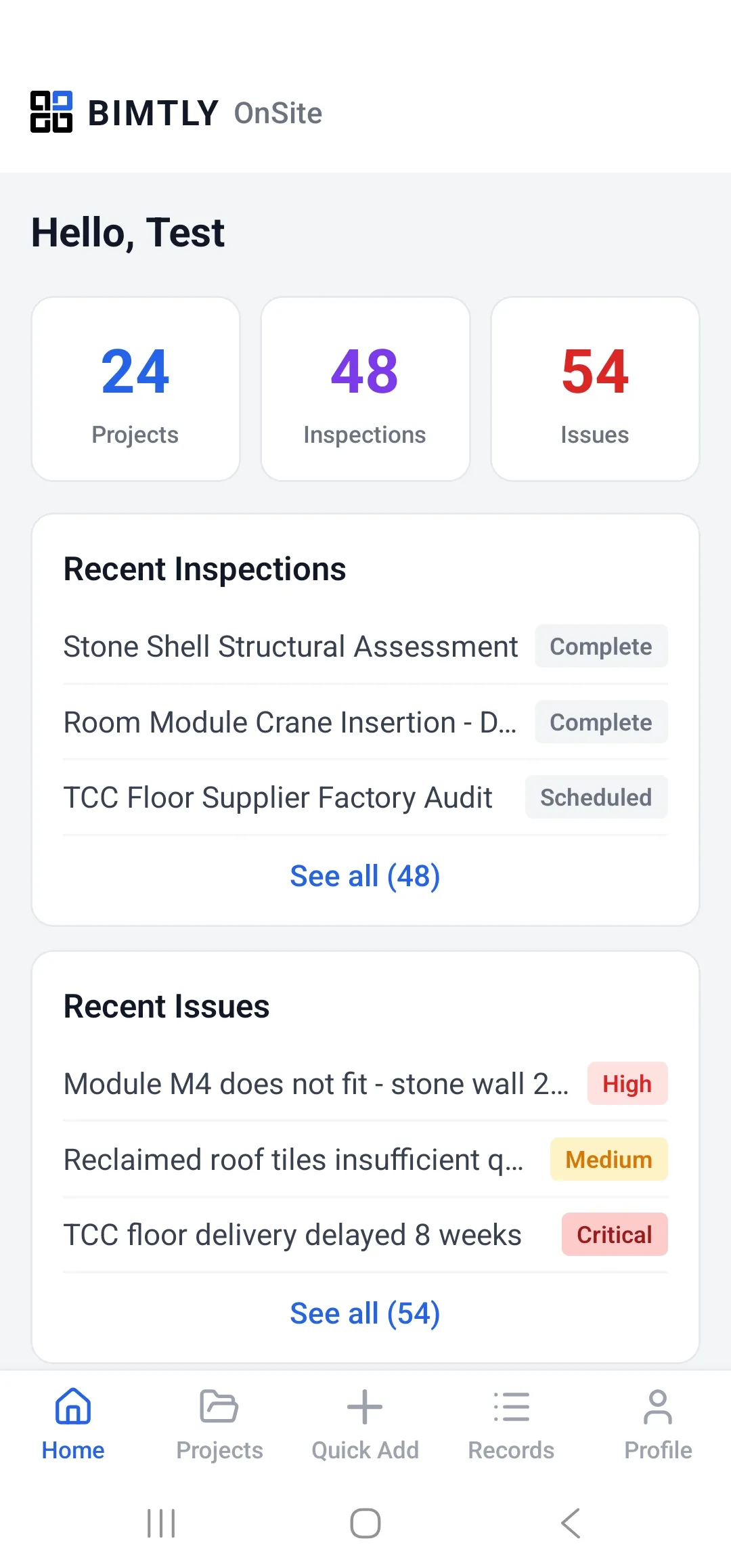
Capture it once. From anywhere.
Photo, video, notes, signature, GPS — submitted in under a minute. Your crew stops writing reports at night because the report is already done.
- Photo, video, and gallery capture
- Tap-to-sign right on the phone
- GPS and timestamp on every record
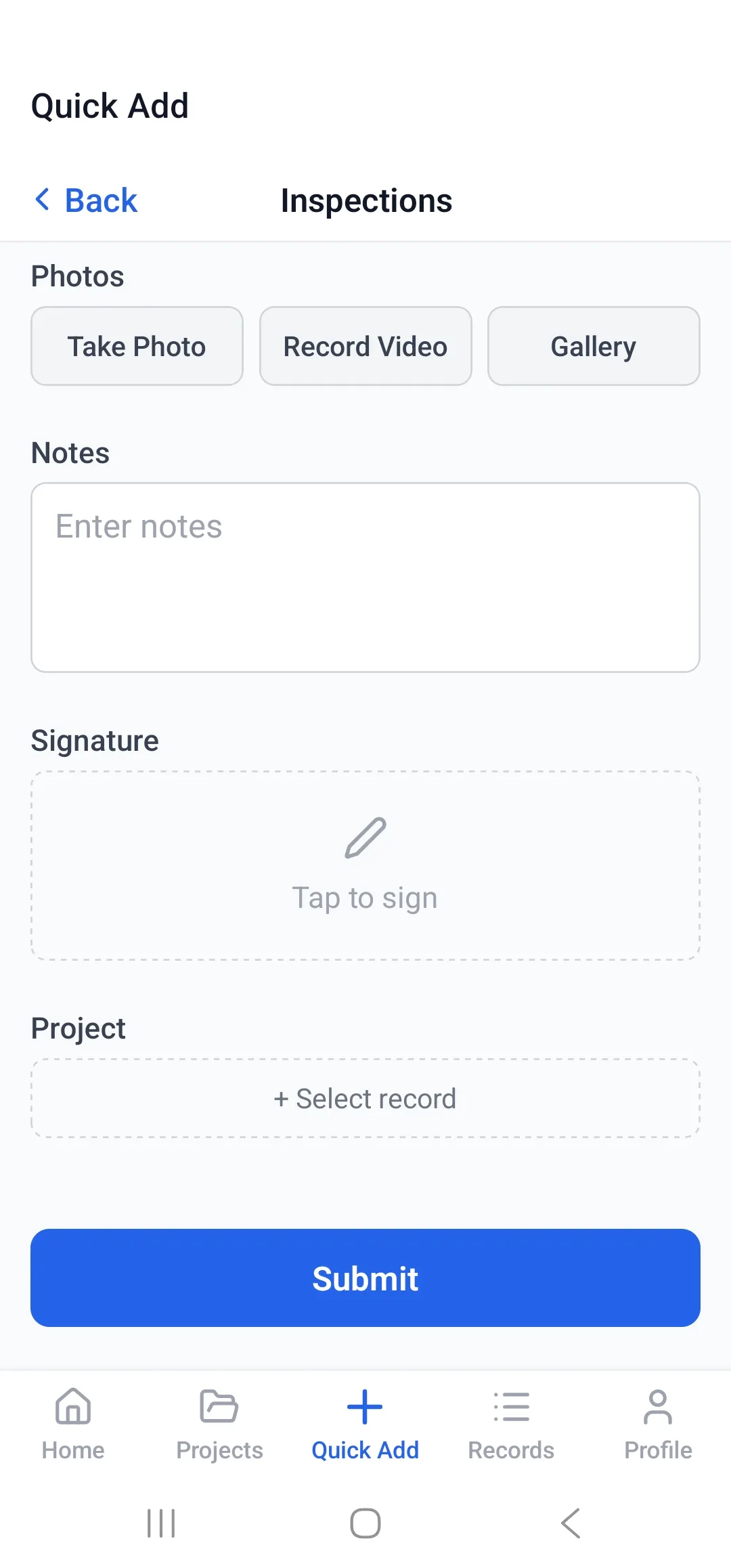
BIMTLY OnSite on mobile
Every major workflow — projects, maps, blueprints, offline mode — in one native app.
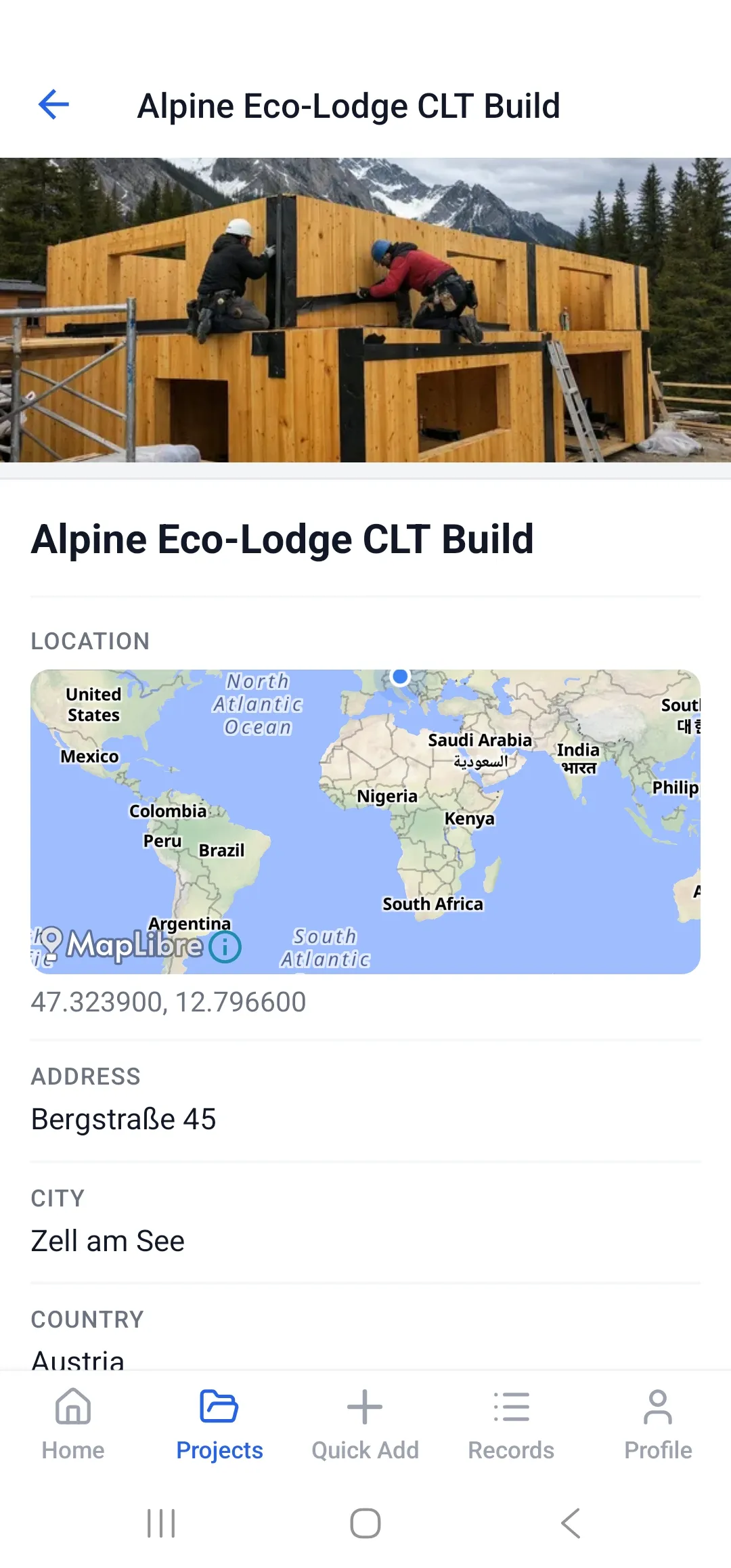
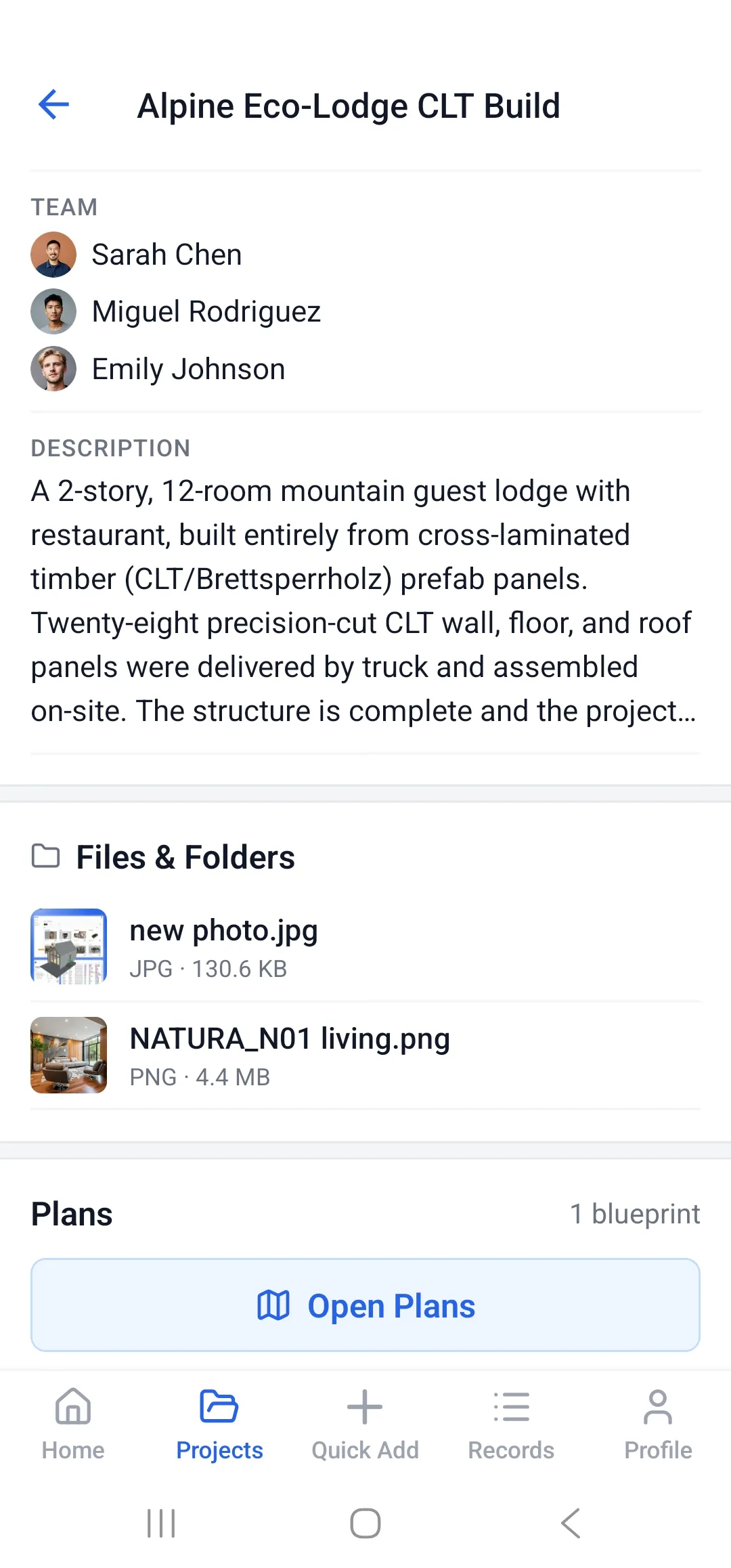
Same project. Every device.
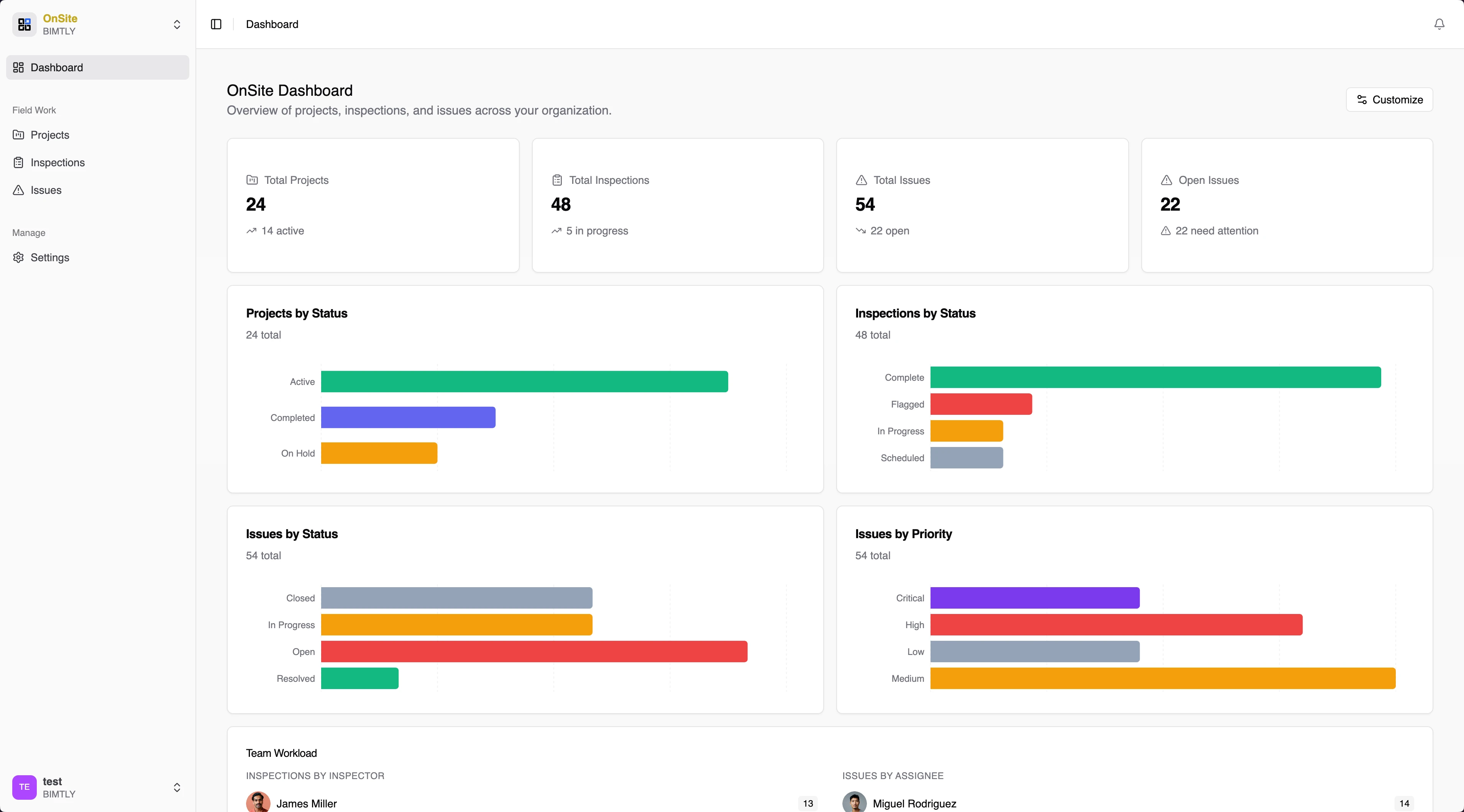
Office on the desktop, site on the phone — real-time sync keeps everyone aligned. See every project, inspection, and issue in one place, with charts that surface what needs attention.
- Project, inspection, and issue counts at a glance
- Status and priority breakdown charts
- Team workload distribution
- Needs-attention alerts, synced instantly to the field
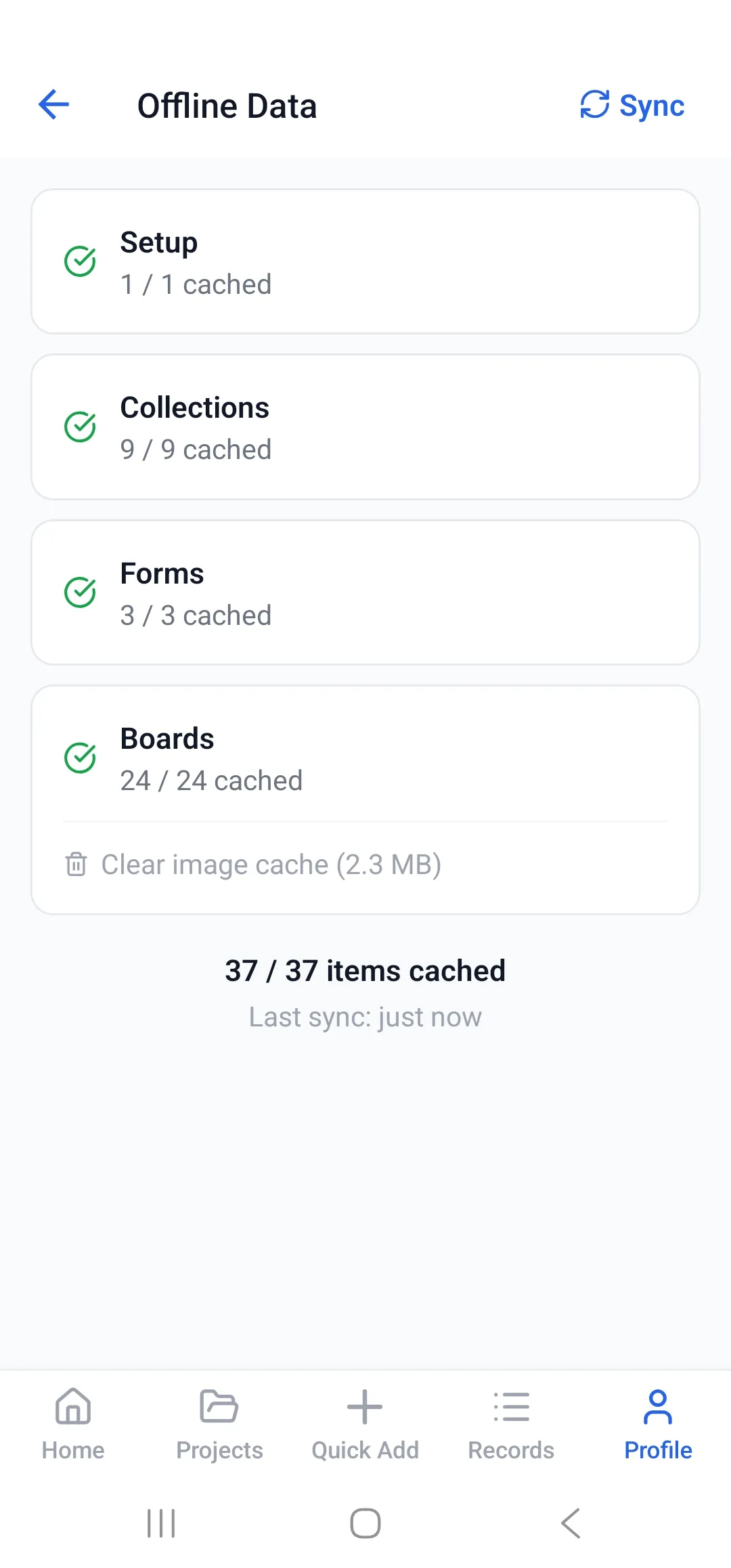
No signal? No problem.
Construction sites have basements, steel frames, and dead zones. BIMTLY OnSite caches everything you need — plans, forms, collections, boards — and syncs the moment you're back online. Your crew never loses data.
- Works fully offline — browse, capture, submit
- Automatic background sync when signal returns
- Per-category cache status — always know what's ready
- Zero data loss, even after days without signal
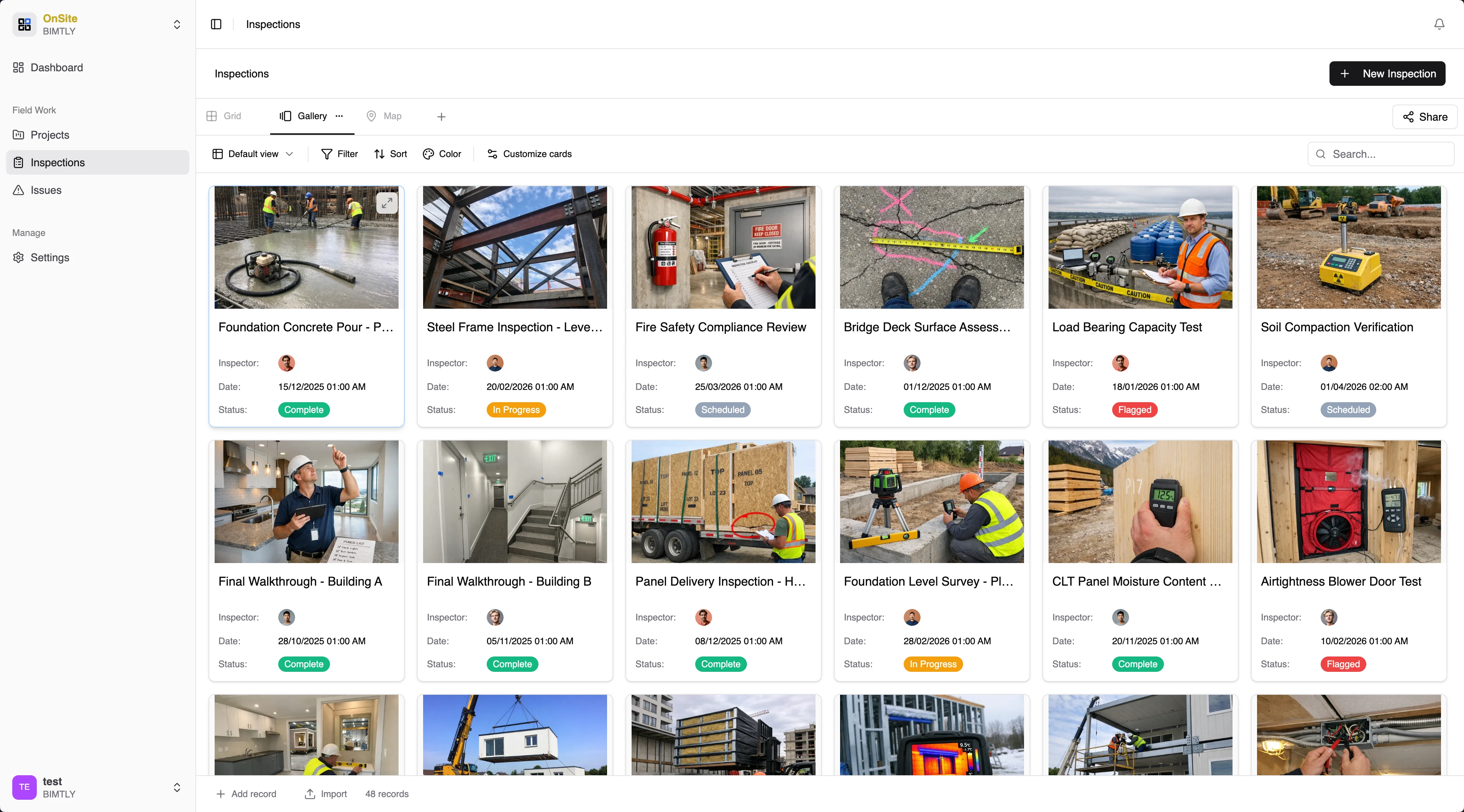
Inspections with photos and GPS
Run inspections with customizable checklists. Capture photos, tag GPS locations, and document findings — all from your phone. Data syncs to the dashboard automatically.
- Customizable inspection checklists
- Photo capture with annotations
- GPS location tagging
- Offline-capable with background sync
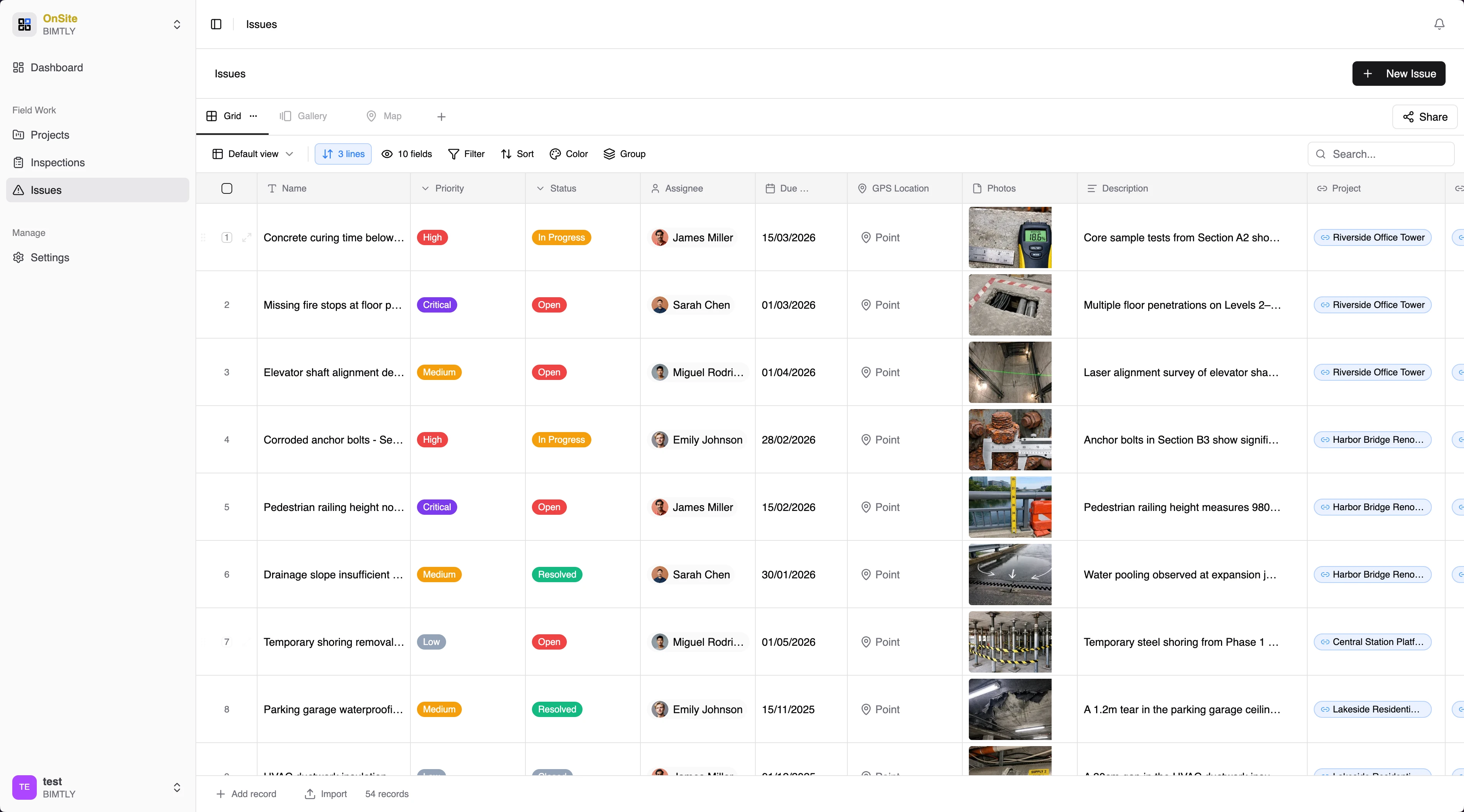
Track every issue to resolution
Log issues with photos, priority levels, and assignees. Track them from discovery through resolution. Nothing falls through the cracks — every issue has an owner and a deadline.
- Issue logging with photo evidence
- Priority and severity classification
- Assignee tracking with due dates
- Full resolution history
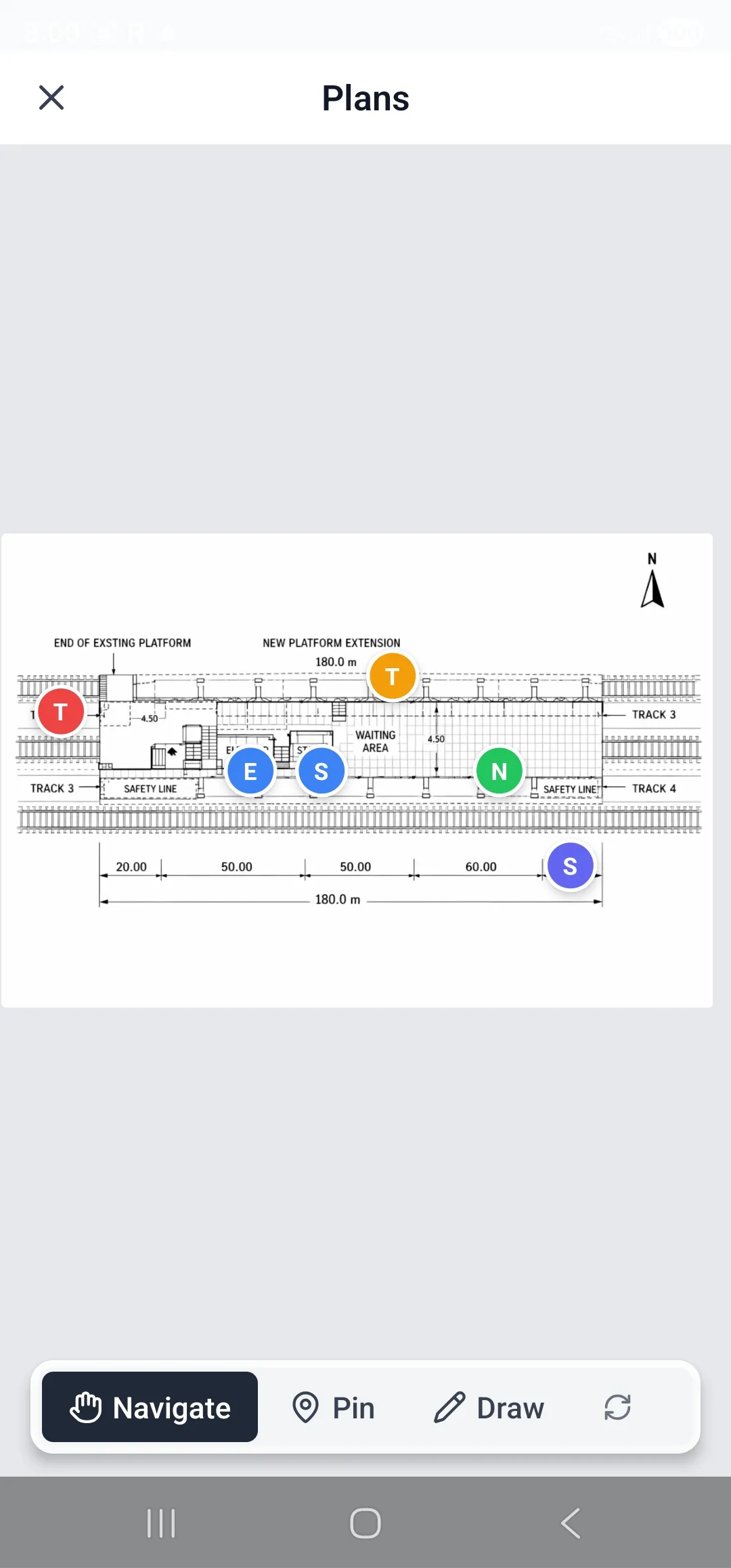
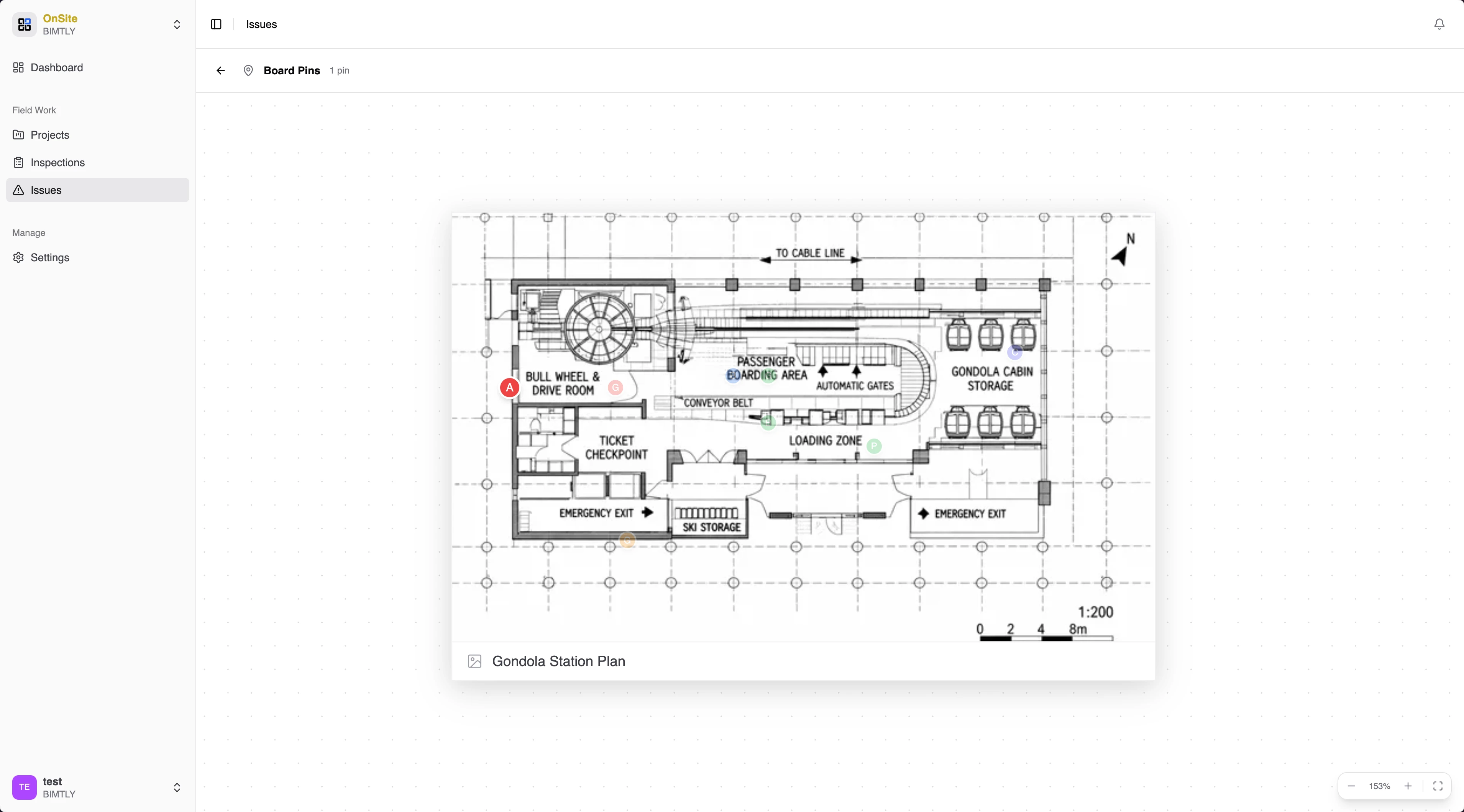
Annotate directly on plans
Upload floor plans and blueprints. Pin issues, inspections, and notes directly on the drawing. Your team sees exactly where problems are — no guessing, no miscommunication.
- Blueprint and floor plan upload
- Pin annotations on exact locations
- Cross-reference between plan and data
- Zoomable canvas with detail layers
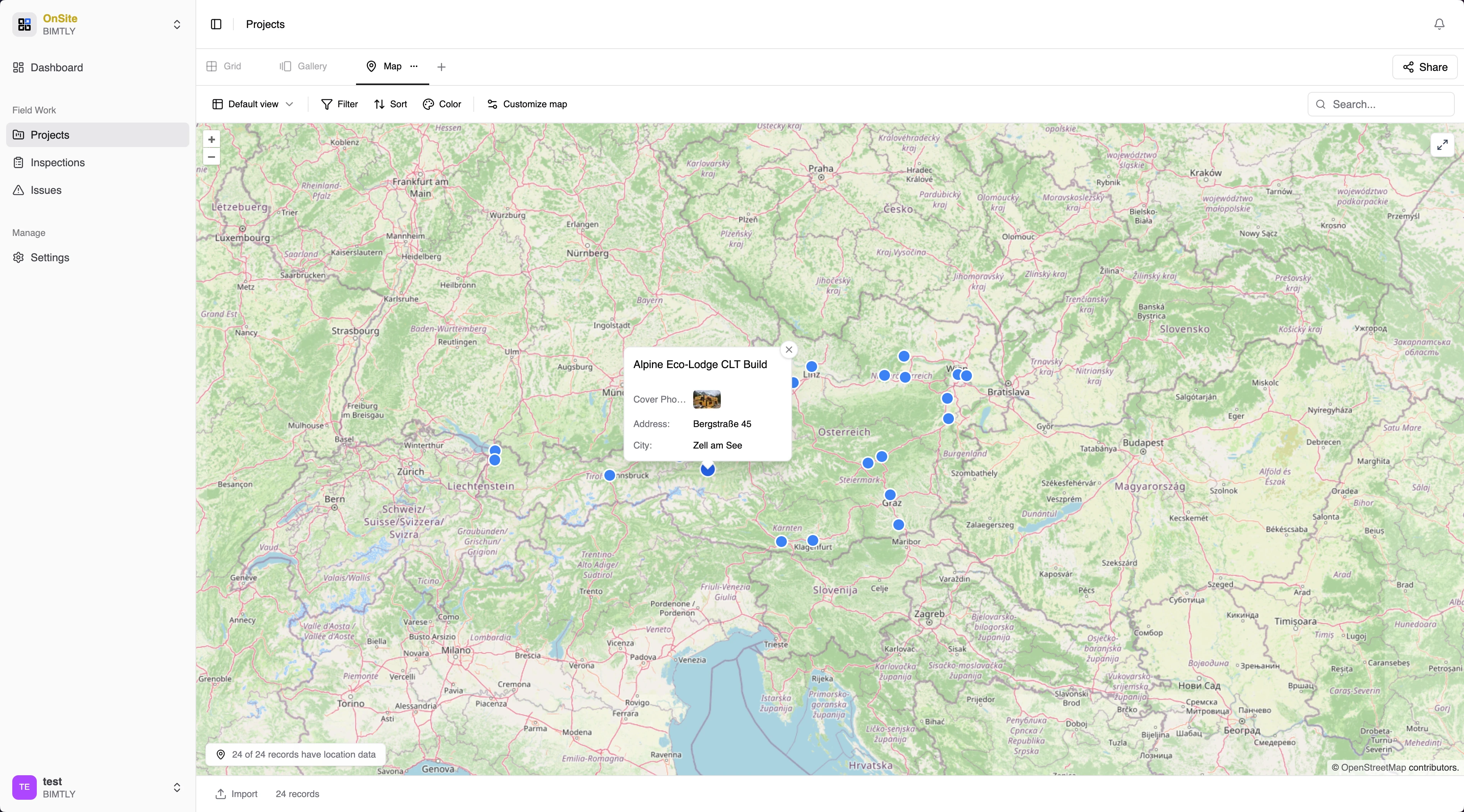
See all your sites on a map
Every project plotted geographically. Color-coded status markers show which sites need attention. Click any marker for project details — location, status, and recent activity.
- Interactive project location map
- Status-coded markers
- Click-through to project details
- Trend analysis over time
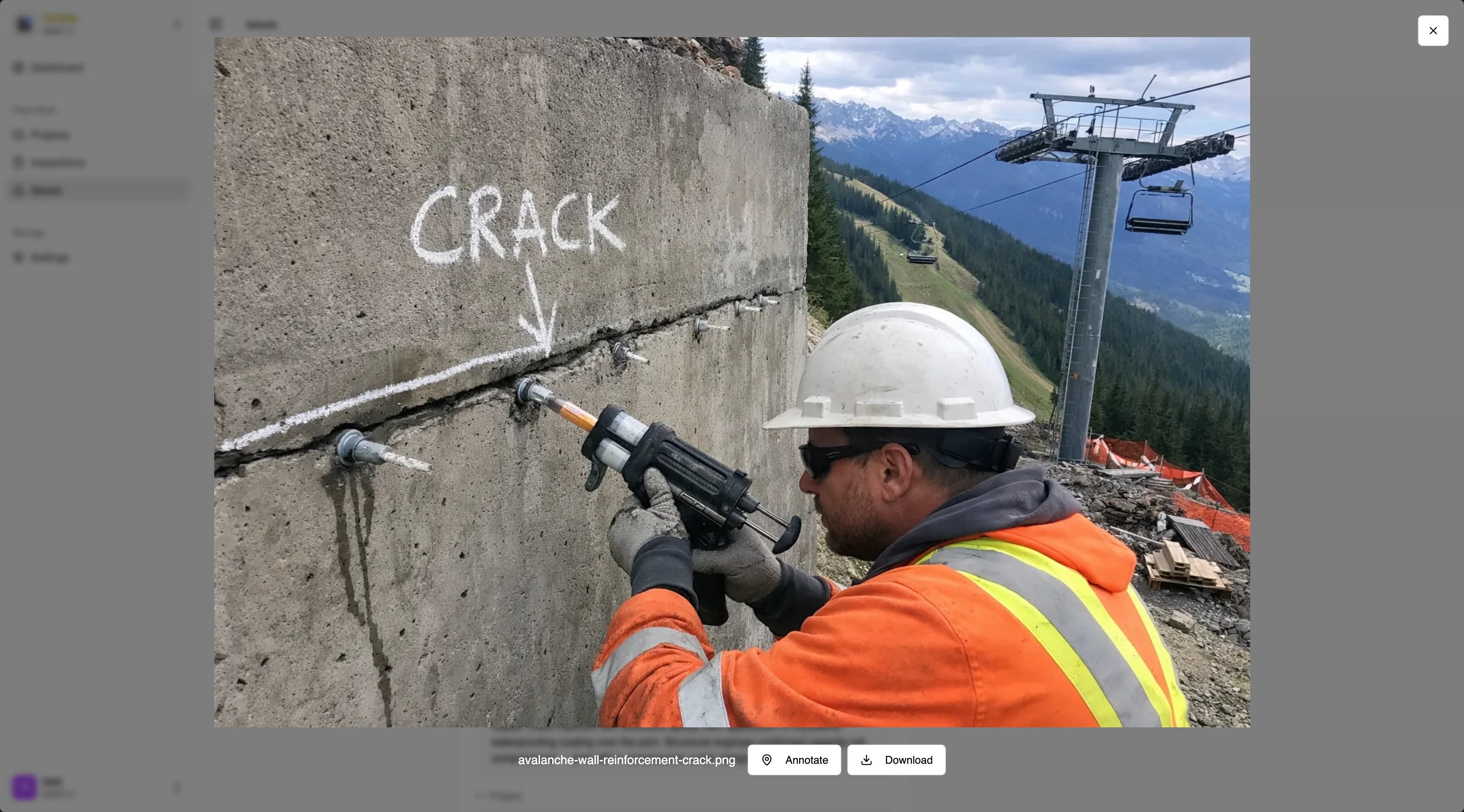
Document everything in the field
Take photos, annotate cracks and defects, and capture site conditions in real time. Every photo is tagged with location, timestamp, and inspector — building a complete audit trail.
- Photo annotation with markers and labels
- Automatic GPS and timestamp tagging
- Inspector attribution on every record
- Complete audit trail for compliance
Get BIMTLY OnSite on your phone
Native app for Android and iOS — install it on your device.

Scan with your phone, or tap below